
Having a fast and reliable PC in 2024 is one of the most important things that you could do if you want to become a more productive person. Nowadays, there are so many jobs that can be done by working from home, and by using your personal computer. Even those professions that weren’t reliant on a computer so much now require such assistance because of the current situation with the global pandemic. Those who were not working from home in the past, now are, and according to many experts, this is something that we should get used to because our future is most likely going to be very similar.
Anyway, as we mentioned above, no matter what your profession is, if you require a computer to do your job, you’ll need a fast and stable system that’s not going to bottleneck your performance and productivity. In today’s guide, we will help you achieve this by providing you with a few very useful and effective tips. As we all know already, your PC needs to be maintained constantly, but this is not such an easy task for someone who is not very proficient in this area. Thankfully, we have just the right tips for you, so let’s end this introduction right here and jump straight into the content.
Free up some space
Source: PCMag
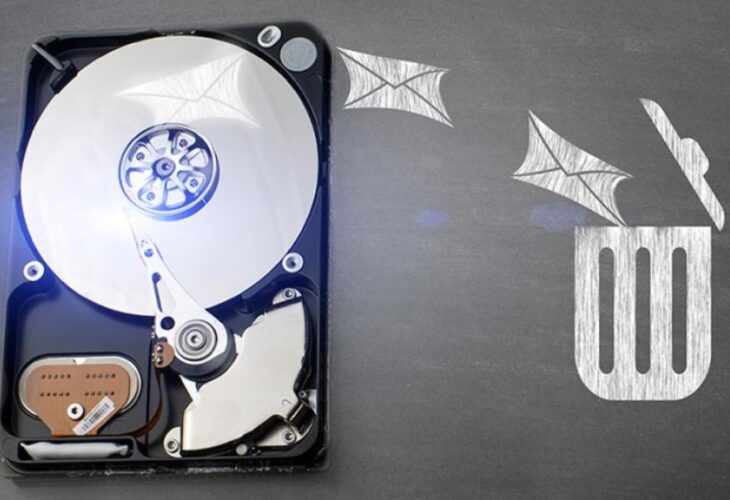
Since most programs these days are pretty complex and constantly updated by the software development teams, it’s quite easy to run out of space on your hard drive or solid-state drive depending on what you’re using. I remember when a few years ago, computer programs were one or 2 GB at most, but nowadays that’s such a rare thing to see. No matter what it is that you download, starting from the simplest video games, it’s highly unlikely that you’ll find a download under at least 10 GB. Some videogame titles are even larger than 100 GB.
The point of this is still to help you realize how easy it is to fill up your hard drive, and since we cannot constantly upgrade our storage space, we have to find another way of keeping our system a bit cleaner. One of the ways to do this is to free up some space by either purchasing an external hard drive or simply deleting any files that take up a lot of space, which you are not using anymore.
Cleanup the insides
Source: BT.com
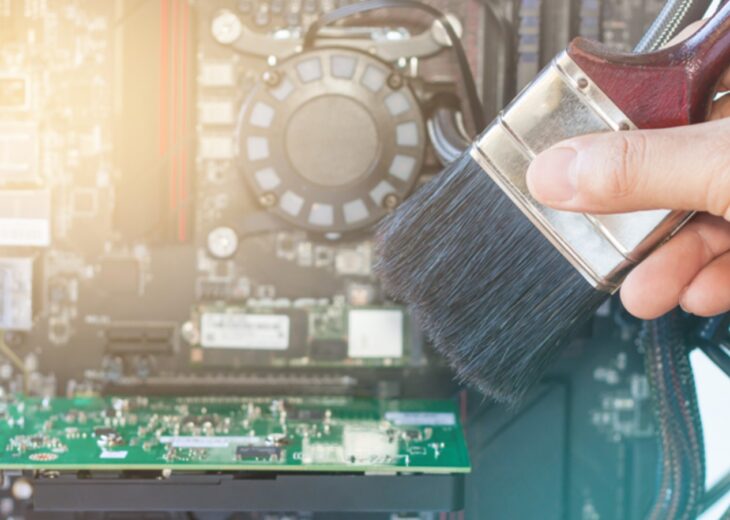
Some people think that cleaning up your PC from the inside has nothing to do with performance and that this is just a common myth amongst those who want to keep good care of their computers. Unfortunately, this is not a myth, and cleaning of the insides of your PC can boost your performance because of the following reasons.
– Your PC will not overheat anymore because of the dust which will no longer be on top of your main components, such as your GPU, CPU, and the rest of your cooling fans.
– Because of the lack of dust, there won’t be any overheating, which means that your system can run at its full potential without being bottlenecked by thermals. This will only have an impact on systems that were already heavily impacted by the dust.
For those of you who don’t know how to do this, especially if you have a lot of computers to take care of, we suggest that you call a professional IT support person to handle this task for you. One of the places where you can learn some more about such service is NetStar. You mustn’t cause any hardware damage on your own when attempting something like this.
Perform a hardware upgrade
Source: Rock Paper Shotgun
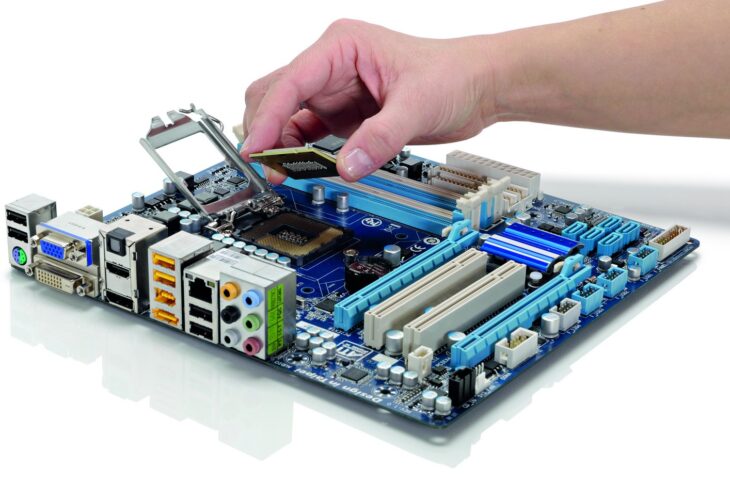
Since it’s 2024 and people use their PCs for complex tasks, one of the best things that you can do to boost your performance is to perform a hardware upgrade. Of course, this is something that’s going to cost you some money, compared to the rest of the tips on this list, but it’s what’s going to give you the most difference. Purchasing computer parts shouldn’t be a difficult thing to do, because nowadays there are so many tech stores around every corner, especially if you live in a larger city. If your local stores don’t have what you need, you can always order some computer parts from the Internet from places such as Amazon, eBay, and many others.
Every running task on your computer is something that takes a little bit of performance from the CPU. This means that if you want your PC to be able to focus on a certain task, you need to free up some power and resources to allow it to do so. If you have millions of things running in the background, and you’re trying to video edit, for example, your PC will not be able to keep up with the video editing software, because most of its resources will be used for the many backgrounds tasks that you have running at the moment.
This is why we suggest that you remove any unwanted software, especially antivirus and anti-malware programs if you are using the latest version of Windows 10. This version of Windows has its antivirus software, so installing another one will just make things worse by confusing your computer and tricking it into thinking that the other third-party antivirus software is a virus or a harmful file.
Last but not least, it’s so much better to prevent your PC from getting in such bad shape, than curing it once it’s already done. To do this, make sure that you avoid downloading fishy files, visiting unprotected websites, and installing software that you don’t know who the creator of it is. You should also regularly clean both the hardware and the software side of your system if you want it to keep running at its full potential for as long as it can. If you notice that things have gotten way out of control, it’s best to start fresh and format your PC now and then.